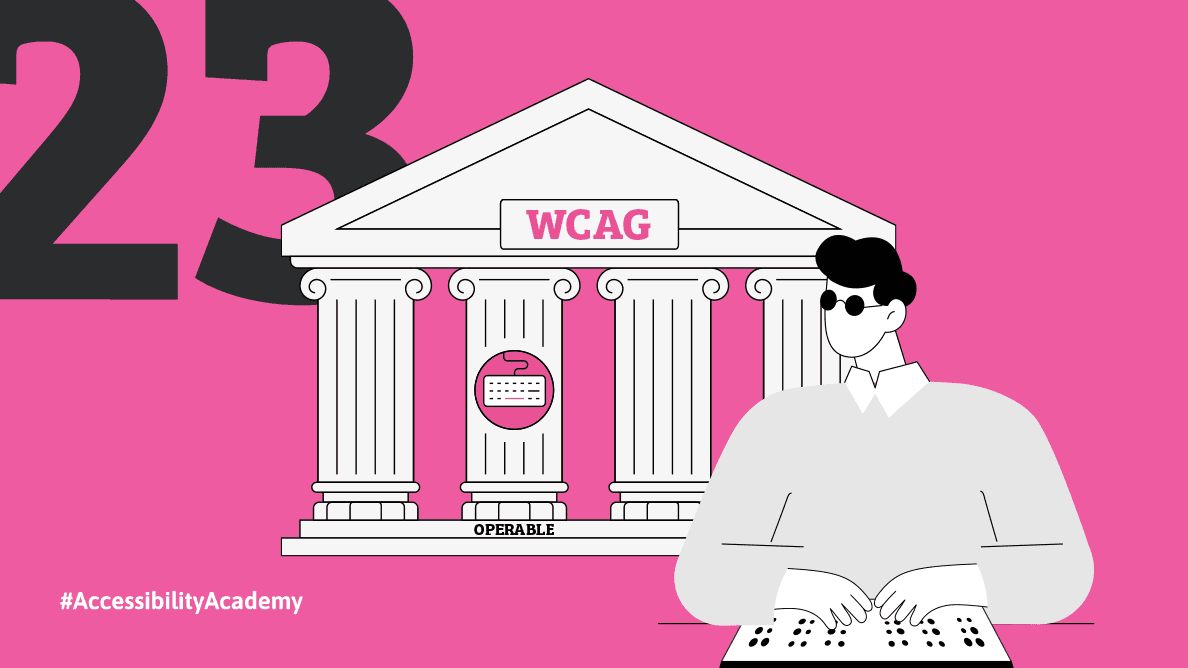
Principle Two: Operable – Is the Ebook Actually Usable?
Written by
Monika Zarczuk-Engelsma
Posted on
Mar 10, 2026
Category
Accessibility
In the previous article, we looked at perceptibility, or whether the reader can reach the content at all. Time for principle two: operable.
This principle answers a very practical question:
Is the user able to handle the e-book and use it comfortably?
Because accessibility doesn't end when the content is "readable." That's just the beginning. A book can be visible, but still difficult, tiring, and sometimes even impossible to use.
A Book Isn’t a Painting – It Is a Tool
Imagine a reader who wants to return to a specific section of a book. They want to search for a definition, compare two chapters, consult a footnote, go to the table of contents, or search for a specific word.
In a well-prepared ebook it takes a few seconds.
In an incorrectly prepared one it is impossible.
And this is what operable means.
It’s not about a book’s appearance. What matters is if it “works”.
When a Book Loses Its Map
One of the most common problems with ebooks is lack of real structure. The text looks correct visually, but to a screen reader, it appears chaotic and illogical.
No headings means no book map, no structure means no navigation, no working table of contents means no control over your reading.
For a reader using a screen reader, headings are like signposts. They allow them to jump between chapters, return to passages, and navigate the content. Without them, a book becomes one endless block of text.
This is the moment when a book stops being a tool and becomes a tedious adventure.
Readers Don’t Always Read from Beginning to End
Publishers often think of a book as a linear narrative. However, many publications operate quite differently.
Textbooks, guides, specialist books, scientific publications – you don't just read them, you use them: you go back, you search, you check, you compare.
If a reader cannot: jump to a chapter, return to a chosen passage, search for concepts, navigate the structure, the book ceases to be useful - even if the content is valuable.
When an Ebook Starts to “Fight” with The Reader
Sometimes the lack of functionality isn't immediately apparent. It manifests itself gradually.
The text cannot be enlarged, the layout falls apart when the font size is changed, a table is read in a random order, a link doesn't tell you where it leads, the control element is visually present but doesn't respond to the keyboard - for some readers this is a minor frustration, for others - the end of reading.
It's worth remembering that ebooks aren't read in a single, ideal environment. They're used on e-ink readers, phones, tablets, and computers. They're read with magnification, in high-contrast mode, and with screen readers. A functional book is one that works in these conditions, not just in its source file.
Navigation Cannot Be a Barrier
For many users, the primary way to interact with an e-book is not touch or a mouse, but rather a keyboard or screen reader gestures.
If a book requires precise clicking, quick response, seeing navigation elements, or a specific method of operation, some readers will be excluded.
Operable means that the book can be used in a variety of ways. The reader doesn't have to adapt to the book. It’s the book that should adapt to the reader's needs.
Why Operability Is Beneficial for Publishers
“Operable” shows very quickly that accessibility is not an addition "for the few, demanding, problematic".
It's simply a feature of a good book.
I will emphasize time and time again that a well-built ebook:
Is easier to read,
Works on more devices,
Doesn’t fall apart when you change the settings,
Is more professional,
Has a longer technological life.
This means fewer problems, less user frustration, and greater real-world usefulness of the publication.
“Operable” Starts Earlier Than You Think
As with percivable, operable doesn't start in the code - it starts in the editorial decisions.
Do we use real headings? Do we build a logical structure? Does the table of contents actually work? Do we test the book in various conditions?
Do we think about how the reader will use it?
Conscious accessibility design isn't just about improving a finished book—it's about consciously designing it from the beginning. In a broader context, this also makes things much easier for the publisher.
In the next article, we will look at the third pillar of accessibility – understandable, i.e. whether the reader can not only use the e-book, but also understands how to do it and what they are reading.
Bibliography
https://smartware.pl/zasady-dostepnosci-cyfrowej/
https://digitalk.pl/blog/wcag-2-2-standardy-dostepnosci-cyfrowej/
https://www.sitecockpit.com/en/insights/wcag
https://www.iso.org/obp/ui/en/#!iso:std:91029:en