Principle Four: Robust – Does the Ebook Work Where It Should?
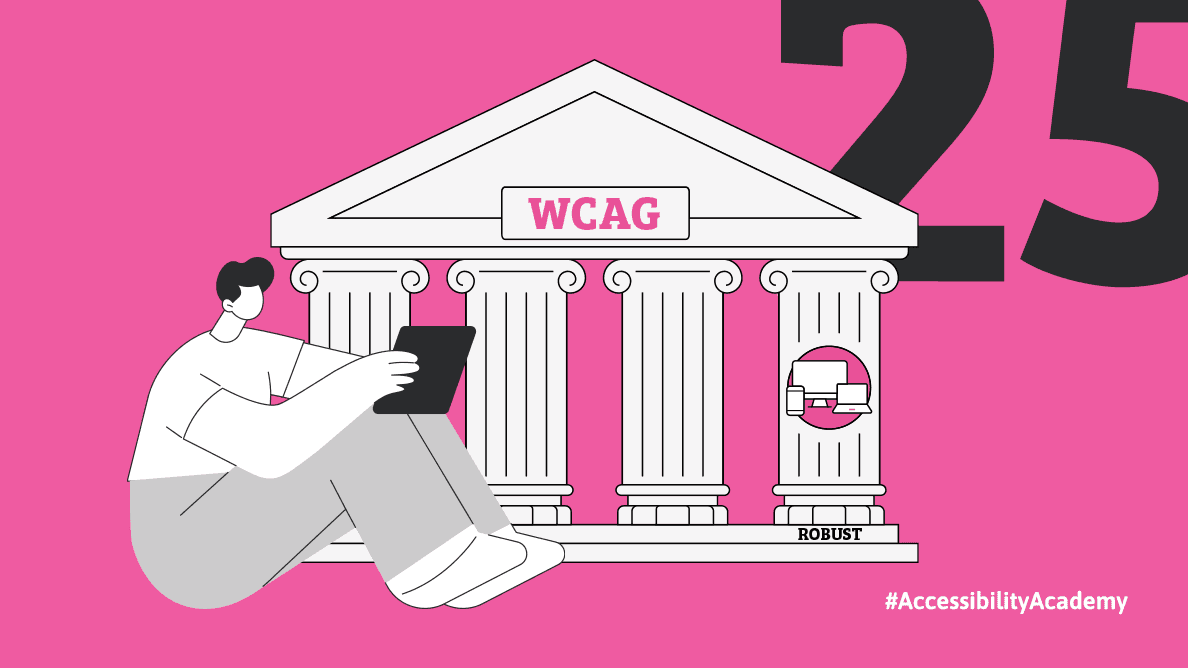
In previous articles, we looked at whether readers can access, use, and understand the content. This leaves the last accessibility principle: robust.
This principle answers a question that should accompany the entire publishing process but is often asked only at the end of it:
does the ebook work in different environments and with different technologies?
Because even the most well-prepared book can became inaccessible if it only works in one specific case.
An Ebook Will Be Used by More than One Reader
It's easy to imagine a "typical" recipient: a specific reader, a specific application, specific settings.
In reality, each reader uses the ebook in different conditions.
Some use e-ink readers, others read on their phones, some use a tablet, some use a computer, some read with their eyes, others listen to books using a screen reader.
In addition, there are different applications, different software versions and different settings: text enlargement, high contrast mode, font change.
Robustness means that the ebook works in this diverse world – not just in one “ideal” scenario.
When a Book Only Works "For Us"
In the publishing process, it is easy to assume that if an e-book is prepared correctly, it will work the same everywhere.
In practice, it looks different.
An e-book is created as code—HTML and CSS—that is then interpreted by various applications and devices. It's at this stage that differences arise.
If the document is structured correctly, for example, with headings marked as h1, h2, and so on, they will behave predictably across different readers. The problems begin elsewhere – where solutions go beyond the basic, common standard.
This most often applies to more complex elements.
For example:
custom CSS styles that look good in one environment but are interpreted differently or ignored in another,
rigid text size or layout settings that block the user's ability to adjust the view,
interactive elements such as pop-up windows or expanding sections that are not supported by all applications,
materials embedded in a book, such as a video, that may work in one application but be completely unavailable in another.
The EPUB format offers a wide range of possibilities, but not all formats are supported by every e-reader. What works in one environment may not work in another.
Let’s imagine a situation:
a publisher adds an interactive element to a book that works smoothly and looks attractive in a browser. After publication, it turns out that the element doesn't display at all on some devices, and on others, it makes navigation difficult.
From the publisher's perspective, the solution was correct.
From the reader's perspective, the book works differently than it should.
This is what happens when a book lacks robustness.
Standards Are Not a Formality
Robustness relies largely on adhering to standards.
They are what makes different devices and applications “understand” a book in a similar way.
When the document structure is correct, elements are marked according to the rules, styling is based on best practices,
An ebook has a much better chance of working correctly in different environments.
It's easy to think of standards as something imposed from the outside—a set of rules to be "checked off". In practice, they do the opposite. They simplify work.
There's no need to constantly figure out how to mark up a heading, how to build a table of contents, or how to save footnotes. These solutions already exist and are proven.
This is very close to the idea of universal design – instead of creating something for one specific use case, we create something that works for the widest possible audience.
In publishing, this means one thing: developing good habits.
Using styles instead of manual formatting, building a logical structure instead of “arranging” text visually, and avoiding solutions that only work in one program.
When it comes to styles, it's especially important that they be flexible. Instead of fixed dimensions, it's better to use relative units (em, rem, %), which allow you to adapt the book's appearance to different screens and user settings.
Assistive Technology Is Also a "Reader"
For many users, the primary reading tool is not the screen but a screen reader.
It is what “interprets” the book and transmits it in the form of voice or braille.
If an ebook does not support such technology, the content may be read in the wrong order, elements may be skipped, navigation may stop working, and some information may be lost completely.
From a reader's perspective, this isn't a minor error. It's a situation where the book is no longer accessible.
The most commonly used screen readers are NVDA (free, available for Windows), JAWS (commercial, also for Windows), and VoiceOver (built into Apple devices such as iPhone, iPad, and Mac computers), so even at a basic level you can see how a book behaves in these environments.
NVDA can be downloaded directly from the developers' website:
https://www.nvaccess.org/download/
Testing Is Part of the Process, Not an Add-on
Robustness makes one thing very clear: it cannot be guaranteed without testing.
Testing across devices and applications isn't an afterthought. It's an essential part of the process, and it's worth starting as early as possible.
The sooner you become aware that something isn't working, the easier it is to fix it.
Testing is the moment when it becomes clear whether the book actually works – not just whether it looks good.
A question that often arises here is: what exactly should I test on?
The good news is that you don't have to know everything.
In practice, it is worth starting with a few basic steps.
Check the ebook in different reading applications. The same file may work differently depending on the application, so it's a good idea to open it in several solutions and on different devices.
Turn on a screen reader.
You don't need to be an expert to do a basic test. Just try navigating through the headings, opening the table of contents, going to a footnote, and listening to the order in which the text is read.
Change reading settings.
Enlarge text.
Change contrast.
Switch display mode.
An accessible e-book should be able to “survive” such changes without breaking down the layout or losing content.
And finally and most importantly: if possible, have the book reviewed by someone who actually uses assistive technology.
Sometimes a single tester is able to identify problems that were completely invisible during the production process.
Accessibility testing isn't about checking everything. It's about seeing the book outside of your own work environment.
Why Robustness Benefits the Publisher
Robustness means in practice a greater reach of the book.
A well-prepared ebook:
works on a wider range of devices and applications,
reaches a wider audience,
requires fewer corrections,
is more resistant to technological changes,
and better meets market and institutional requirements.
It also means fewer technical problems and fewer situations in which the reader gives up on the book not because they don't want to read it - but because they can't.
Robustness Starts Earlier than You Think
As with the previous principles, it all starts at the decision stage.
Do we use standard solutions?
Do we ensure proper structure?
Do we avoid "shortcuts" that only work in one environment?
Do we check how the book behaves outside of our work environment?
Accessibility isn't about making a book work "for us." It's about making it work for the reader.
Four Principles – One Aim
Perceivable, operable, understandable and robust are four different perspectives but one common goal.
The idea is for the reader to be able to:
access the content,
use it,
understand it,
and do it on their own device, on their own terms.
Accessibility isn't just a bonus—it's a prerequisite for a book to truly be read in the most effective and comfortable way possible. Thanks to accessibility, many people have been able to read an ebook for the first time – and many more, in other parts of the world, will be able to.
Bibliography:
https://dostepnapolska.pl/artykul/dostepnosc-cyfrowa-co-to-jest-i-dlaczego-jest-tak-wazna
https://www.gov.pl/web/dostepnosc-cyfrowa/cztery-zasady-dostepnosci-cyfrowej
https://www.streetlib.com/accessible-ebooks
https://www.elsevier.support/elsevierebooksplus/answer/ebooks-accessibility-statement
About the Author
Monika Zarczuk-Engelsma
Content Creation Specialist at the Polish Foundation for the Blind and Visually Impaired “TRAKT”
Has a degree in Polish philology (Academy of Podlasie) and a postgraduate diploma in Partner Marketing and Public Relations (University of Gdańsk). Took part in projects concerning learning to use a computer by blind individuals, conducted training on volunteer programmes for blind people, was part of the European Voluntary Service project (organised by the EU) and received an internship offer at the European Economic and Social Committee. In her daily life she uses braille, but also an Iphone with voiceover and a laptop with a speaking screen reader. This enables her to achieve a high degree of self-reliance and she is able to function in the way that suits her best: spend time on active and interesting activities, meet new people, work, read books, or pursue her hobbies, i.e. chess, board and card games and travelling. She has already visited more than 30 countries.
